

Cloud-Based Restaurant POS Management

Restaurant POS Management Software

Manage Your Restaurant from Anywhere

With restaurant POS management you get everything you need to run your restaurant in a single program: online ordering, digital menu, a FREE delivery order program, stock tracking, accounting, purchasing, fixed assets, waiter and table tracking, reports and analytics, bill tracking and much more.

  • Online Ordering
  • Digital Menu
  • QR Code Ordering
  • Kitchen Tracking
  • Delivery Tracking
  • Virtual POS
  • Cash Register Integration
  • Food Delivery Platform Integration
01

Table Plan: Every Table on One Screen

Dining room, garden or terrace… The status of every table, its covers, bill total and opening time are on one screen. Tap a free table, enter the waiter, account and number of guests, and the table is open in seconds.

  • All Tables, My Tables, Open Tables and area tabs
  • Instant tables for walk-in guests with “+ New Table Name”
  • Detailed list view and quick search
02

Take Orders Fast and Without Errors

Product groups and product cards with photos let you take an order in a few taps; typing a few letters in Search Product is enough.

  • Add, + and – to set quantities
  • Courses so each dish is prepared at the right time
  • Guest No. to keep each guest’s order separate
  • Extras and notes for cooking and ingredient requests; extra prices are added to the bill automatically
03

Works with Every Internet-Connected Device. No Hardware Replacement Costs

Fully compatible with all kinds of hardware: touchscreen computers, mobile terminals, tablets, smartphones and turnstiles. Even if you switch to Elektraweb POS from another system, you do not have to replace your hardware.

04

Seamless Communication with the Kitchen

Orders reach the kitchen screen and printer with table, time, department and waiter. The kitchen records when each item is started and finished, and ready items appear on the waiter’s screen at once.

  • Screens or printers for up to 10 kitchens
  • Order, preparation and service times tracked
  • See order status at a glance with colours
05

Discount, Service and Tip on One Screen

The sent orders and the total are always visible on the bill. Enter a discount rate, service or tip and the total is recalculated instantly; the discount reason and document number are recorded.

  • Complimentary, waste, cancel and price change per item
  • Repeat Order adds the same item with the same options
  • Transfer items between guests at the table
06

Settle the Bill the Way the Guest Wants

Quick Payment buttons take cash, credit card, bank transfer or meal card in one tap. In the Split Payment screen opened with Pay, split the bill evenly or let guests pay by item.

  • Split the bill 1/2, 1/3, 1/4, 1/5
  • Different payment types and currencies together
  • Print and Close, Quick Print, Split Table into Payments
07

Table Transfer and Merge

From the Table Actions menu, move a bill to another table, merge tables or move items between tables. Just choose the source table and the target table.

  • Table Transfer
  • Table Merge
  • Item Transfer
08

Bill, e-Invoice and Cash Register

The bill prints with product, payment, VAT and revenue-group breakdowns. Invoices are integrated with e-Invoice, and the POS works with every cash register, issuing the receipt automatically.

  • Daily Card: spending of non-resident guests posts to the folio
  • POS Card: charge accounts or take payments from them
  • Manual or automatic Night Audit
09

Run Your Business with the Dashboard and Reports

The Dashboard shows total sales, collections, number of bills, covers, averages and total discount at a glance, with charts for revenue groups, payment types, waiters, hourly sales, day parts and products.

  • Cash Movements
  • Unusual Transactions
  • Collection Details
  • Waiter Sales Details
10

Online Order Management for Restaurants

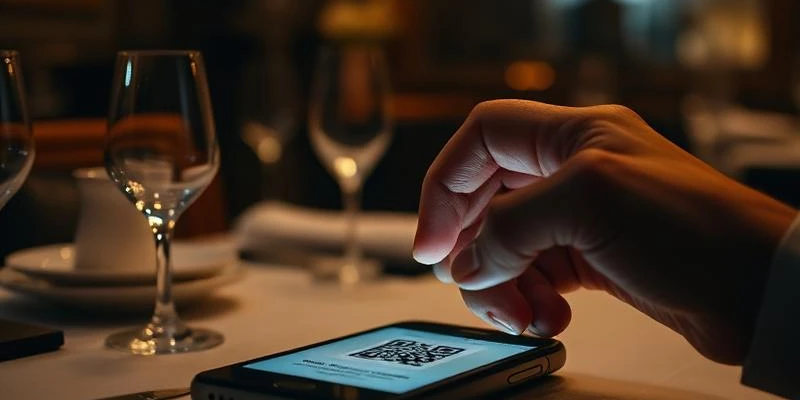
  • Your property becomes reachable on both mobile and web. Guests open the digital menu online or by scanning a QR code.
  • Take online orders for delivery to the table or room on site, and for home delivery or takeaway off site.
  • During online ordering, it shows dish photos, ingredients, allergens and nutritional and energy values, all in the language the customer chooses.
  • Customers can build their own favourite menus and earn points on every order, including orders that come in through what they share.
11

Ordering via Social Media

Both the property and its customers can promote products by sharing them on social media. A link added to your social media pages enables direct sales, and you can also create time-limited and quantity-limited campaigns.

Reward customers who share your digital menu on their own social media accounts with points or discounts for every order their posts bring in.

12

Integrations

Integrated with food delivery platforms such as Yemeksepeti, Getiryemek and Bisipariş. Orders from these platforms arrive in your system online, so you do not need a separate program.

Works with all cash registers. As soon as you print the bill, all details are transferred to the POS device and the receipt is issued automatically.

Elektraweb Restaurant Solutions

A Complete Digital Ecosystem for Your Restaurant!

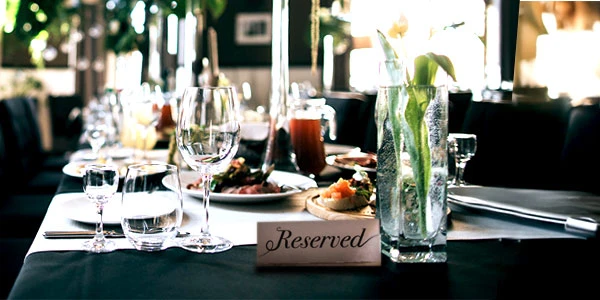
Take your restaurant management a step further. With Elektraweb's integrated solutions, manage reservations, make ordering easier with digital menus and bring your whole operation together in one technology ecosystem.

Watch

Videos

Free Demo

Grow your hotel’s profitability with Elektraweb.

The most comprehensive web-based, cloud hotel management system. 24/7 online support from a team of 160. Let us call you and plan the right solution for your needs together.

Report to Us